image
image embeds a static image. The source path resolves relative to the build entry file and the file is copied verbatim into _wdoc/ at build time, so the output site is self-contained. Because it's referenced by a relative _wdoc/ URL, it only resolves when the site is served — not when the page is opened directly from disk (same as icons and tilemaps).
| Property | Type | Required | Description |
|---|---|---|---|
| source | utf8 | yes | Image source (the inline label): a doc-relative path, a URL, or a data: URI. |
| alt | utf8 | no | Alt text for the <img> (page form). |
| width | f64 | no | Display width; the natural size is used when omitted. |
| height | f64 | no | Display height; the natural size is used when omitted. |
| id | identifier | no | Optional explicit HTML id. |
| class | list<utf8> | no | Optional style classes. |
| x | f64 | no | Placement x when used inside a diagram (ignored on a page). |
| y | f64 | no | Placement y when used inside a diagram (ignored on a page). |
| scale | f64 | no | Extra size multiplier (diagram form). |
| anchor_left | f64 | no | Diagram anchor insets (left/right/top/bottom), like any shape. |
| connect_points | list<AnchorSide> | no | Diagram edge-attach sides, like any shape. |
§ 1On a page
An image block directly under a page renders as a standalone <img>. The source is the inline label; set width / height to size it, alt for accessibility, and a class for styling (live below — a Kenney CC0 spritesheet, scaled down):
Preview
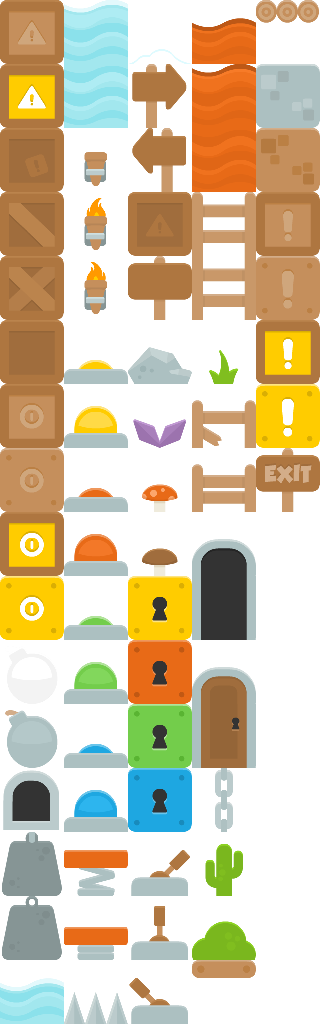
Example
image "../../assets/kenney-platformer.png" {
  alt = "A platformer tile sheet"
  width = 240.0
}
§ 2Inside a diagram
image is also a placeable SvgBlock, so it can sit in a diagram / container alongside rect / circle, positioned by x / y (or anchors).
Preview
Example
diagram {
  width = 280
  height = 140
  image "../../assets/kenney-platformer.png" {
    x = 20.0
    y = 20.0
    width = 100.0
    height = 100.0
  }
  rect {
    x = 150.0
    y = 45.0
    width = 100.0
    height = 50.0
    fill = "#a3be8c"
  }
}